
Notícias do Paraná com contexto local

O Ocupa Paraná é um portal de notícias dedicado a acompanhar o que muda a rotina de quem vive no estado. A cobertura parte de Curitiba e se estende pelas diferentes regiões paranaenses, reunindo informação local, esporte, economia, cultura, tecnologia, turismo, serviços e temas que ganham repercussão nacional.
Nossa proposta é organizar o noticiário para que o leitor encontre rapidamente o que importa e, quando a pauta exige, tenha contexto para entender por que determinado assunto ganhou relevância. O site acompanha acontecimentos do dia, tendências de interesse público e temas recorrentes entre os paranaenses, mantendo o Paraná como centro editorial.
-
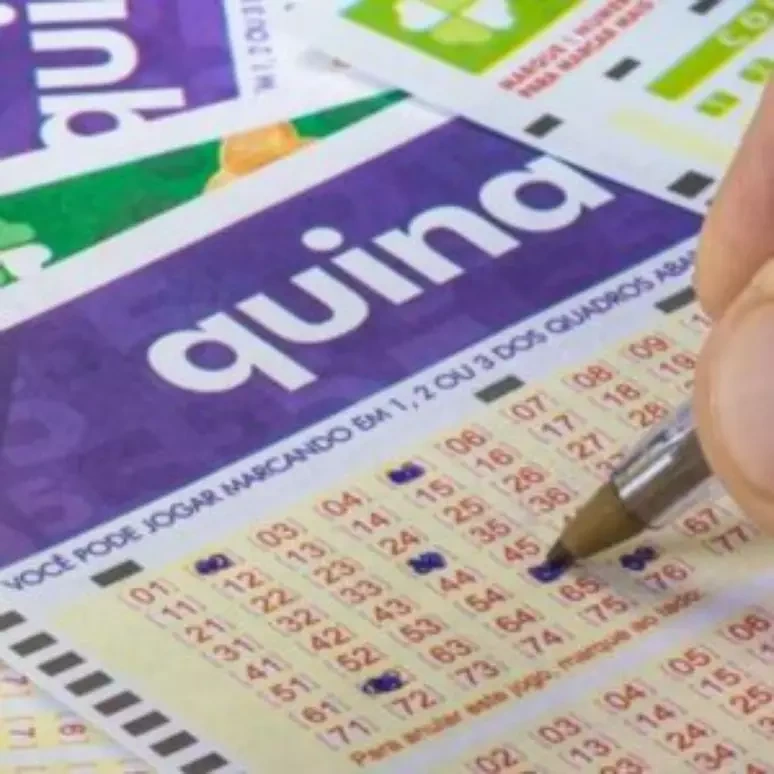
Quina 7122: veja o resultado e a premiação do concurso
A Quina 7122, sorteada em 20 de setembro de 2026, teve as dezenas 22, 33, 35, 36 e 72. Nenhuma aposta acertou os cinco…
-
Elenco de Quem Ama Cuida: quem é quem na novela das nove
Mariana Siqueira — crítica de televisão e dramaturgia O elenco de Quem Ama Cuida reúne Letícia Colin, Chay Suede, Antonio Fagundes, Isabel Teixeira, Tony…
-

Coritiba x Corinthians termina 2 a 1 e encerra tabu no Couto
O duelo Coritiba x Corinthians terminou com vitória coxa-branca por 2 a 1 no Couto Pereira, em 23 de agosto de 2026, pela 24ª…
-
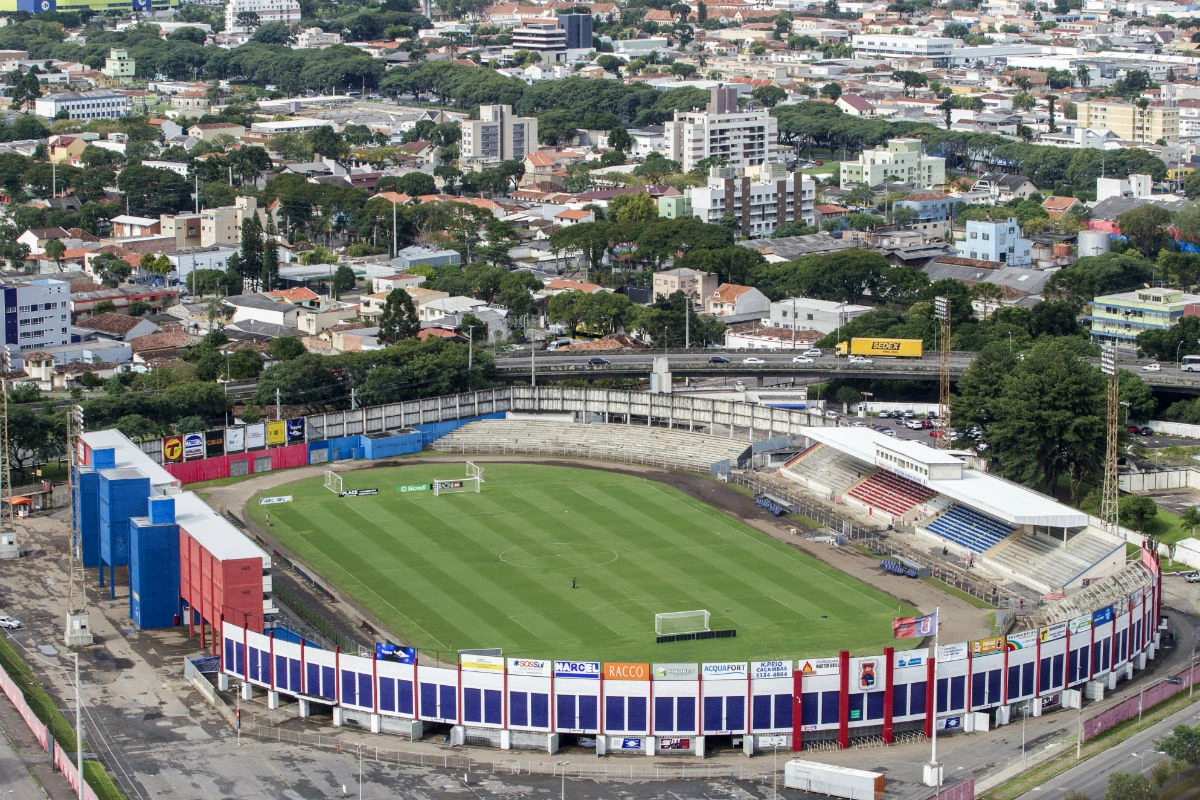
Paraná Clube lidera a Copa Paraná e amplia ambição para 2027
O Paraná Clube transformou a Copa Paraná 2026 em uma etapa importante do processo de reconstrução esportiva iniciado com o acesso à elite estadual.…
-
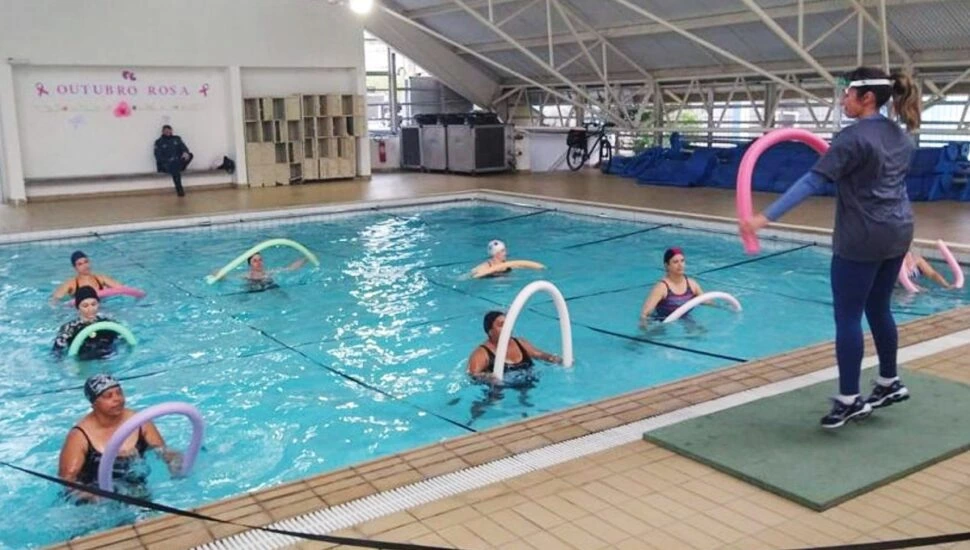
Curitiba em Movimento: como se inscrever nas atividades gratuitas
O Curitiba em Movimento concentra as inscrições para atividades esportivas e físicas gratuitas oferecidas nos equipamentos municipais da capital paranaense. O sistema permite consultar…
O Paraná em pauta
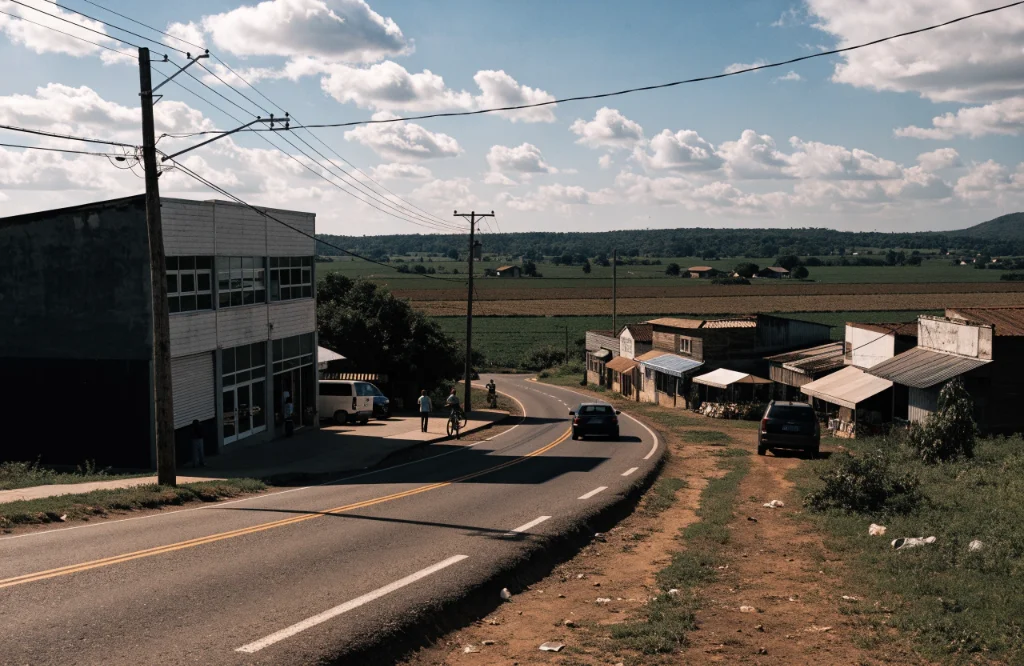
A agenda do estado muda de cidade para cidade. Uma decisão em Curitiba pode afetar serviços públicos, mobilidade ou negócios em toda a Região Metropolitana. Uma ocorrência no Oeste pode ter impacto sobre transporte, turismo ou produção agrícola. No Norte, Noroeste, Sudoeste e nos Campos Gerais, economia, universidades, indústria e esporte também produzem pautas próprias.
Por isso, o Ocupa Paraná trata o estado como uma rede de cidades e comunidades com interesses diferentes. A homepage prioriza os assuntos de maior impacto no momento e conduz o leitor para coberturas mais específicas conforme a pauta.
Entre os principais eixos editoriais estão:
Essa organização ajuda quem procura um Paraná portal de notícias a navegar por assunto, cidade ou interesse, sem depender apenas de uma sequência cronológica de manchetes.
Curitiba no radar
Curitiba concentra uma parte importante do noticiário estadual e funciona como ponto de conexão com temas que alcançam outras regiões. Mobilidade, obras, serviços municipais, universidades, comércio, mercado de trabalho, segurança, agenda cultural e eventos esportivos fazem parte da rotina editorial.
O objetivo é acompanhar Curitiba com atenção ao efeito prático das notícias. Quando uma mudança altera transporte, datas de atendimento, circulação viária ou funcionamento de um serviço, a informação precisa chegar acompanhada dos detalhes que ajudam o leitor a entender o que fazer.
Expressões de interesse como Curitiba em movimento e Paraná online também refletem uma audiência que procura atualização rápida sobre a cidade e o estado. Essa demanda orienta a forma como organizamos notícias urgentes, informações de serviço e pautas que merecem acompanhamento ao longo do dia.
Futebol paranaense
O esporte ocupa espaço permanente porque acompanha a identidade e a rotina de diferentes cidades do Paraná. Athletico, Coritiba e Paraná Clube geram interesse durante toda a temporada, assim como equipes do interior, campeonatos estaduais, futsal, vôlei, automobilismo e modalidades de base.
Em dias de jogo, a cobertura pode reunir preparação, escalações, resultado, repercussão e os efeitos da partida na competição. Buscas como Coritiba x Corinthians mostram como o interesse muda de acordo com o calendário. Por isso, informações esportivas precisam ser atualizadas conforme cada rodada e cada torneio.
Partidas nacionais e internacionais de grande audiência, incluindo confrontos como Arsenal x Chelsea, também podem entrar no radar editorial quando existe interesse relevante do público brasileiro. O ponto de partida continua sendo o leitor do Paraná e aquilo que efetivamente ganhou espaço na conversa esportiva do dia.

Economia e tecnologia
Muitas notícias que afetam diretamente a rotina surgem fora das editorias tradicionais de cidades. Mudanças em crédito, bancos, preços, emprego, agronegócio, indústria e inovação podem alterar decisões de famílias, trabalhadores e empresas paranaenses.
O Ocupa Paraná aborda economia com linguagem direta. Uma matéria precisa mostrar o que mudou, quem pode ser afetado e quais informações ajudam a dimensionar o assunto. Em tecnologia, acompanhamos aplicações que chegam ao cotidiano: serviços digitais, segurança online, novas ferramentas, empresas locais, educação e transformação dos setores produtivos.
Temas nacionais e internacionais também entram quando ajudam a explicar movimentos percebidos no Paraná. A cobertura procura estabelecer uma conexão clara entre o acontecimento e suas possíveis consequências para o estado, evitando transformar a editoria em uma reprodução genérica do noticiário econômico.
Serviço e resultados
Informação de serviço exige atenção especial. Horários, endereços, alertas meteorológicos, concursos, calendários e resultados mudam com frequência. Sempre que esse tipo de conteúdo for publicado, a data e o contexto da informação precisam estar claros.
As loterias são um exemplo recorrente. Consultas por resultado da Mega-Sena, Quina, Mega-Sena, Dupla Sena e resultado Lotofácil crescem em torno dos sorteios. Nessas pautas, números, concurso e data devem ser apresentados de forma objetiva e conferidos em fontes oficiais.
O entretenimento também pode exigir acompanhamento em tempo real. Reality shows, grandes eventos, programas de televisão e buscas relacionadas a conteúdos como BBB ao vivo online entram na cobertura quando se tornam assunto relevante. Programação e disponibilidade podem mudar, então cada publicação deve deixar claro a que edição, data ou evento se refere.
Critérios de publicação
Nem tudo que circula nas redes sociais vira notícia no Ocupa Paraná. A seleção considera impacto local, atualidade, utilidade pública, interesse da audiência e possibilidade de confirmar as informações apresentadas.
Trabalhamos com diferentes formatos conforme a necessidade da pauta:
Essa divisão permite tratar uma ocorrência urgente de forma diferente de uma mudança econômica ou de uma temporada esportiva. Também ajuda a manter as manchetes proporcionais ao conteúdo publicado.
O público paranaense já acompanha veículos como Bem Paraná e Banda B, além de diferentes portais regionais. O Ocupa Paraná constrói sua própria linha editorial a partir da seleção das pautas, da organização das informações e de um foco consistente nos assuntos que dialogam com o estado.
Comece pelo que acontece perto
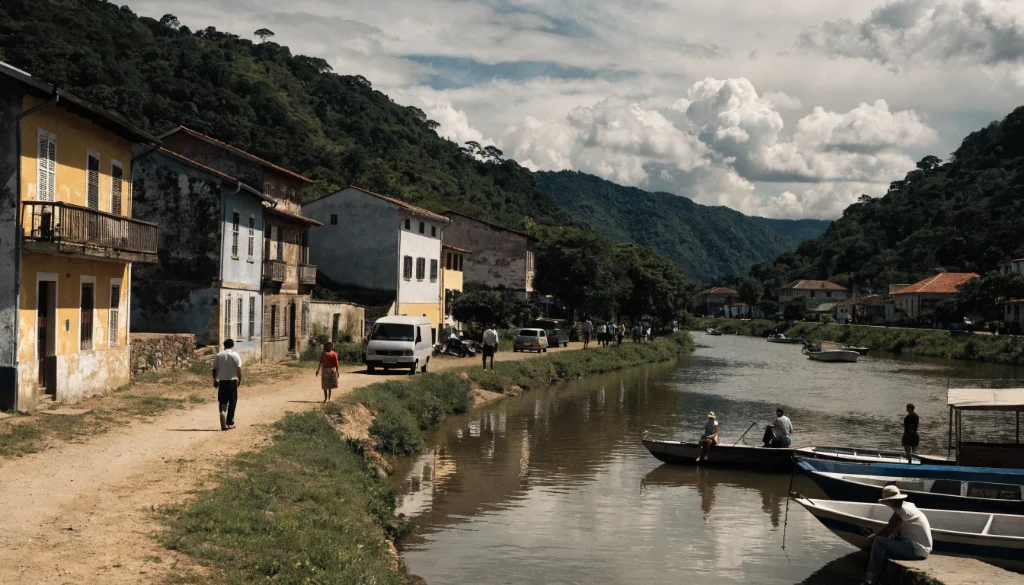
O nome Ocupa Paraná mantém o estado no centro do projeto. Hoje, essa identidade se traduz em uma cobertura que observa cidades, clubes, economia, cultura, tecnologia e acontecimentos capazes de alterar a rotina dos paranaenses.
Quem procura as notícias mais recentes pode começar pelas editorias de Paraná e Curitiba. Para partidas, clubes e campeonatos, o caminho é Esportes. Economia e Tecnologia acompanham mercado, empresas, emprego e inovação. Turismo e Cultura ajudam a descobrir eventos, destinos e movimentos que atravessam a vida do estado.
Na homepage, o destaque principal aponta para o assunto que merece atenção naquele momento; logo depois, os temas em alta e as editorias permitem continuar a leitura pelo interesse de cada pessoa. É assim que o Ocupa Paraná acompanha um estado que produz notícias muito além de uma única cidade.